

Without a contract, SLA is a promise; without hour control, the loss shows up on the invoice. The Contracts module of Nyverra Portal ITSM brings the commercial agreement into the operation: validity, service level, and hour pool — connecting service delivery to the business.
This guide covers contract registration, the link with SLA and hour pool, and the reports that make consumption visible.
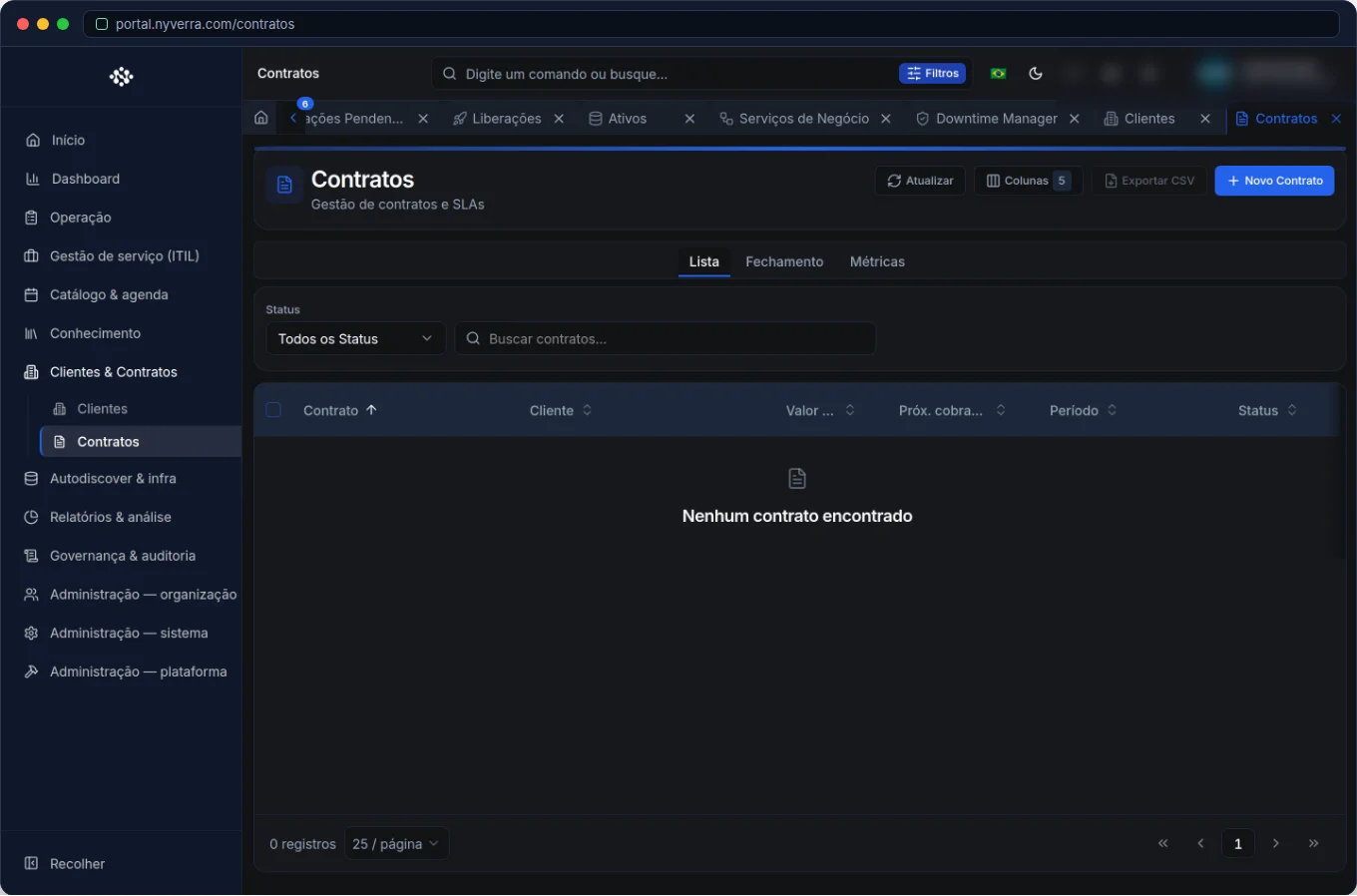 Interface of the module in Nyverra Portal ITSM.
The role of the contract in service delivery
The contract answers three questions that affect the daily routine of the service desk:
- What is the service level? → Associated SLA (response and resolution times).
- How much is covered? → scope of services and what is charged separately.
- How much has already been consumed? → hour pool and hours already used.
With this, prioritization, billing, and reports stop being guesswork.
Validity, scope, and SLA
Each contract belongs to a client and has validity (start and end), type of service, and the linked SLA. Validity matters because an expired contract can affect commercial and prioritization rules — and it must be handled before it becomes a problem. The scope defines what is covered, avoiding the discussion of "is this in the contract?" in the middle of an incident.
Hour pool
The hour pool is the contracted package of hours. Each entry consumes from the balance and the module keeps the movement history. This is where operations meet sales: monitoring consumption avoids surprises at the end of the month and helps negotiate renewal before the package runs out.
Who uses it
| Profile | Typical use |
|---|---|
| Admin / backoffice | Contract registration, validity, and hour pool |
| Service manager | Monitor consumption and SLA per contract |
| Sales | Statements for renewal and billing |
How to use: step by step
- Register the contract with client, validity, and type of service.
- Configure the SLA linked (response and resolution).
- Define the hour pool for the contracted period.
- Link catalog services covered by the contract.
- Record hour consumption according to the tickets.
- Monitor statements and plan renewal.
Business rules
| Rule | Explanation |
|---|---|
| Active validity | Expired contract can alter commercial rules; manage renewals. |
| Hour pool | Controls the contracted balance; consumption is recorded per entry. |
| Statements | Available by client and by contract (including PDF). |
| SLA per contract | When creating tickets, the client/contract inherits the SLA rules. |
Best practices
- Keep validities updated — correct SLA depends on it.
- Monitor the hour pool to act before it runs out, not after.
- Generate periodic statements for the client: transparency reduces friction.
- Combine SLA + hours when negotiating renewal — data becomes an argument.
- Standardize the contract scope to avoid disputed charges.
Common mistakes
| Situation | What to do |
|---|---|
| Expired contract in use | Renew or formalize an amendment; monitor validity alerts. |
| Hour pool exceeded without notice | Create a consumption monitoring routine. |
| Ambiguous scope | Detail what is covered; avoids discussion during an incident. |
Frequently asked questions
Does the contract define the SLA?
Yes — the SLA associated with the contract (and the ticket type) determines deadlines.
How do I know how many hours I consumed?
Through the hour pool and the statements per contract.
Does an expired contract affect service delivery?
It can affect commercial rules; follow internal policy and regularize the validity.
Automate via API
Contracts and hour pool are exposed via API (/api/contratos, /api/pool-horas, statements at /api/relatorios/extrato-contrato). Reference at developer.nyverra.com.
Usage scenarios: the contract in day-to-day
1. Renewal with data. Two months before expiration, the statement shows hour consumption and SLA compliance. Renewal negotiation stops being "guesswork" and starts having numbers — which strengthens the commercial conversation.
2. Hour pool close to the limit. Monitoring the balance allows warning the client and sales before it exceeds, avoiding the surprise invoice and the post-fact discussion.
3. Expired contract in use. Without validity control, service delivery continues under an SLA that no longer exists. Monitoring validity avoids misalignment between what is delivered and what was contracted.
Contract KPIs
| Indicator | What it reveals |
|---|---|
| Contracts nearing expiration | Renewal risk |
| Hour pool consumption | Usage of the contracted package |
| SLA per contract | Whether the agreement is being fulfilled |
| Unbilled hours | Revenue loss |
| Active expired contracts | Commercial misalignment |
Integration with operations
The contract defines the SLA that the ticket inherits and the pool that time tracking consumes. Therefore, keeping it updated is a prerequisite for reliable indicators. Combine with scheduled reports to send periodic statements to the client: transparency reduces friction and supports renewal. In the end, a well-managed contract is predictable revenue and a well-served client.
Contract checklist
- Register validity and type of service.
- Link the SLA to the contract.
- Define the hour pool for the period.
- Link the covered services.
- Set expiration alerts.
- Generate periodic statements.
Additional frequently asked questions
Does an expired contract still generate tickets?
It does — but commercial rules may be affected; keep the validity regularized.
How do I monitor hour consumption?
Through the hour pool and the statements per contract.
Can I have different SLA per client?
Yes, according to the contract and the configured ticket type.
Conclusion
Contracts provide financial and service predictability. With controlled validity, linked SLA, and monitored hour pool, Nyverra Portal ITSM connects service delivery to business results — without surprises on the invoice or on deadlines.
Keep reading
Read also

StorCLI - Complete Cheat Sheet
StorCLI is the official and modern tool for managing Broadcom/LSI RAID controllers. This guide covers essential commands, syntax and use cases.
12 min de leitura Portal ITSM
Business Services in Nyverra Portal: Translating IT into Business
The business doesn't feel a server go down — it feels email stop. The Business Services (Service Mapping) module of Nyverra ITSM Portal connects services like Email, ERP or PACS to CMDB assets, revealing the real impact of each failure.
5 min de leitura Segurança
RPO vs RTO: How to Define Before Buying Backup (and Why Most Companies Get It Wrong)
Most companies buy backup asking the wrong question: "how much does it cost?". The right question is: how much data can I lose (RPO) and how long can I be down (RTO). Discover how to define these numbers per system and avoid purchasing protection based on price, not on real need.
9 min de leitura
Comments
No comments yet
Be the first to share your thoughts on this article.


Leave a comment